
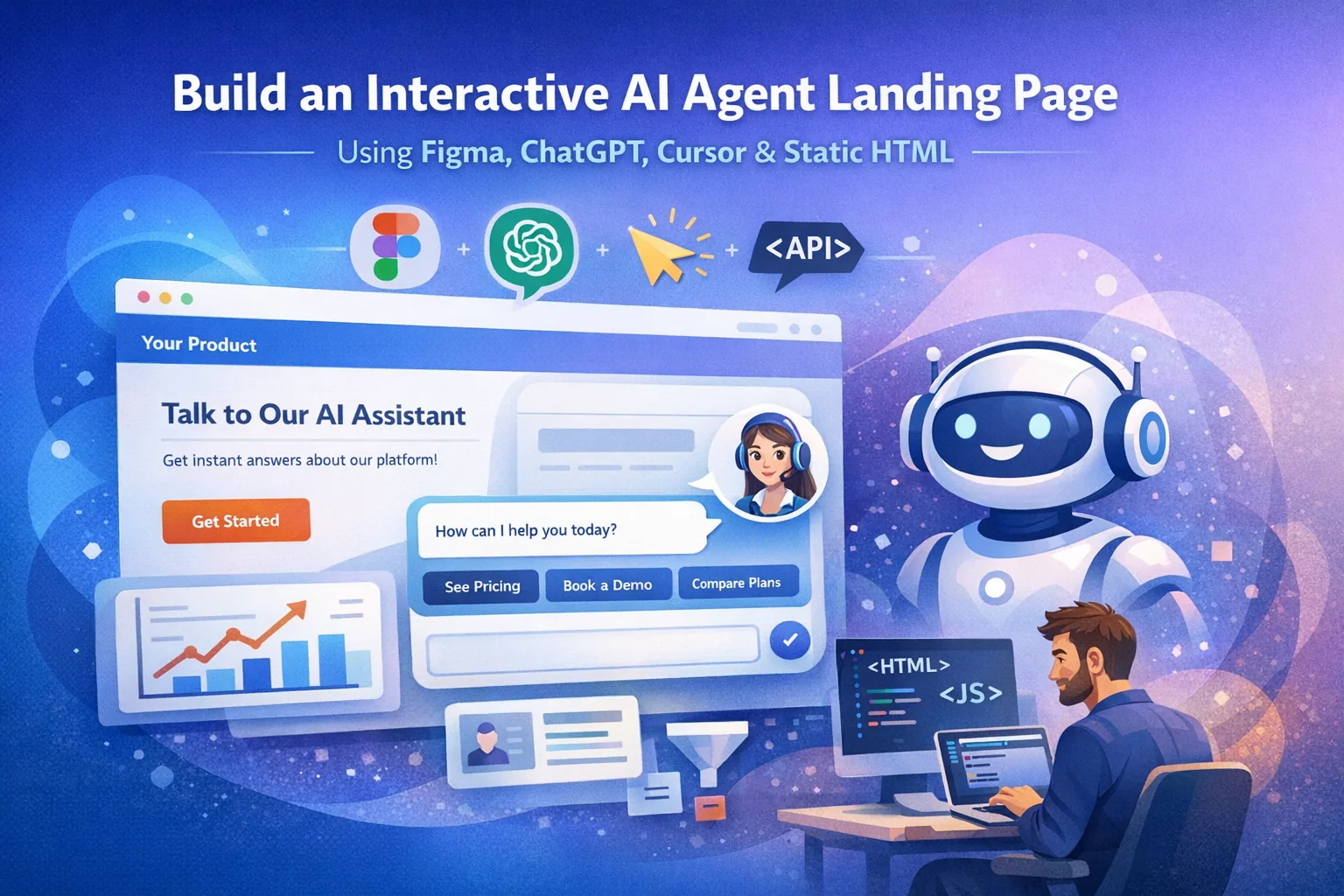
Interactive AI landing pages are transforming how marketing websites engage visitors. Instead of static content and forms, users can interact with an AI agent that answers questions, explains products, and guides them toward conversion.
This article explains how to design and build an interactive AI agent landing page using static HTML, using Figma, Cursor, and ChatGPT.
This architecture is simple, fast, and ideal for marketing teams.
Why Static HTML Is Ideal for Marketing Landing Pages
Many companies unnecessarily build landing pages using heavy frameworks. In reality, most marketing pages need:
- fast loading
- SEO optimization
- simple hosting
- easy iteration
A static HTML architecture provides:
Ultra-fast performance
Pages can be served directly from CDN.
Low hosting cost
No complex backend infrastructure.
Easy deployment
You can deploy to Netlify, Vercel, or any CDN.
Better SEO
Search engines easily crawl static pages.
The AI logic can run through a lightweight API layer.
Step 1 — Design the Experience in Figma
Start by designing the landing page UI in Figma.
A typical AI landing page layout includes:
Hero Section
Headline:
"Talk to our AI to see how our platform can help your team."
Components:
- product value proposition
- AI chat preview
- call-to-action button
Interactive AI Chat Panel
Instead of a traditional form, visitors see a chat interface.
Example UI:
Ask our AI about:
• Pricing
• Integrations
• Product capabilities
Chat input:
[ Ask anything about the product... ]
This creates a conversation-based experience rather than a static page.
Product Explanation Section
Add sections explaining:
- product features
- use cases
- integrations
The AI agent can reference these sections when responding.
Conversion Section
Examples:
- Book demo
- Try product
- Talk to sales
The AI can guide users toward these actions.
Step 2 — Generate the Static Landing Page with Cursor AI
Next, use Cursor to convert the design into code.
Prompt example inside Cursor:
Generate a responsive landing page using:

- static HTML
- CSS
- vanilla JavaScript

Include:
- hero section
- product sections
- AI chat interface
- mobile responsive layout
Cursor can generate something like this:
<!DOCTYPE html>
<html>
<head>
<title>AI Product Assistant</title>
<style>
body {font-family: Arial; margin:0;}
.hero {padding:80px; text-align:center;}
.chatbox {position:fixed; bottom:20px; right:20px; width:320px;}
</style>
</head>

<body>

<section class="hero">
<h1>Talk to Our AI Product Assistant</h1>
<p>Ask questions and get instant answers.</p>
</section>

<div class="chatbox">
<div id="messages"></div>
<input id="input" placeholder="Ask about pricing or features...">
<button onclick="sendMessage()">Send</button>
</div>

<script src="chat.js"></script>

</body>
</html>
This keeps the entire page static and lightweight.
Step 3 — Add the AI Chat Agent
Now connect the landing page to ChatGPT.
The front-end JavaScript will send user messages to a backend endpoint.
Example JavaScript:
async function sendMessage() {

 const input = document.getElementById("input").value;

 const response = await fetch("/api/chat", {
   method: "POST",
   headers: { "Content-Type": "application/json" },
   body: JSON.stringify({ message: input })
 });

 const data = await response.json();

 document.getElementById("messages").innerHTML +=
   "<p><b>AI:</b> " + data.reply + "</p>";
}
The backend calls the ChatGPT API and returns the response.
Step 4 — Build the AI Agent Logic
The AI agent should act like a product advisor.
Example system prompt:
You are an AI product assistant.

Goals:
- answer product questions
- explain pricing
- suggest demos
- guide users to conversion
Example conversation:
Visitor:
Does this integrate with HubSpot?
AI:
Yes, we integrate with HubSpot and Salesforce. Would you like to see a quick demo?
Buttons can appear:
[ Show Demo ]
[ Book Call ]
[ View Pricing ]
This mimics a sales conversation.
Step 5 — Track Visitor Behavior
Marketing AI agents become powerful when connected to analytics.
Track events such as:
- page visits
- pricing page views
- time on page
- scroll depth
- chat interactions
Example event:
User opened pricing section
The AI can respond:
I see you're interested in pricing. Would you like me to compare our plans?
This creates contextual AI interactions.
Step 6 — Capture Leads Automatically
The AI agent can collect leads naturally during conversation.
Example interaction:
Visitor:
Can you send me the pricing?
AI:
Sure — what email should I send it to?
After email capture:
Send lead to CRM
Trigger sales notification
Typical integrations:
- CRM
- marketing automation
- email workflows
Step 7 — Add AI Personalization
Advanced AI landing pages personalize responses using:
- visitor company domain
- industry data
- browsing behavior
Example:
Visitor from a SaaS company.
AI response:
Many SaaS teams use our platform to automate outbound sales workflows.
This increases engagement and conversion.
Example Architecture (Static)
Figma Design
      ↓
Cursor AI Code Generation
      ↓
Static HTML Landing Page
      ↓
JavaScript Chat Widget
      ↓
API Endpoint
      ↓
ChatGPT Agent
      ↓
CRM + Analytics
This architecture is simple, scalable, and ideal for marketing pages.
Best Practices for AI Landing Pages
Keep AI responses short
Visitors scan content quickly.
Offer suggestion buttons
Examples:
- Show demo
- Compare plans
- Book meeting
Use AI to qualify leads
Ask questions like:
What team are you part of?
Combine AI and CTAs
The AI should guide users toward:
- demo booking
- trial signup
- contact sales
Conclusion
Interactive AI landing pages represent the future of marketing websites.
By combining:
- Figma for design
- Cursor AI for code generation
- Static HTML for speed
- ChatGPT agents for intelligent interaction
companies can create fast, personalized, and conversion-focused landing pages.
Instead of static content, visitors experience a conversation-driven website, turning your landing page into a 24/7 AI sales assistant.
Have an idea?
Let's build it.
Whether you're starting from scratch or need help scaling, I'm here to turn your vision into reality.

18+ years building MVPs and solving hard tech problems for startups. I help founders move fast and ship products that matter.