
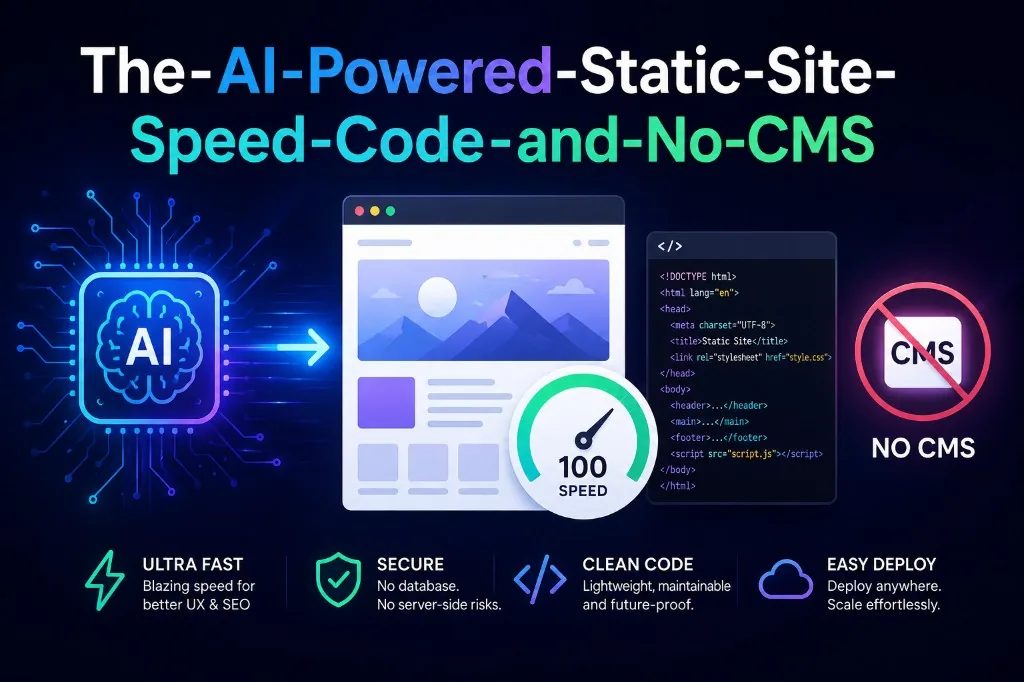
The modern web doesn't need a database to be powerful. A growing number of teams are building websites with a deceptively simple stack: plain HTML/CSS/JS files stored in a GitHub repository, edited with AI assistance from Claude, and automatically deployed to GitHub Pages on every push. No WordPress. No Webflow. No server. Just code and a pipeline.
How it works
The entire site lives as source files in a Git repository. When a change is needed — a new section, updated copy, a redesigned component — a developer (or non-developer) describes the change to Claude, which generates or modifies the HTML directly. That change gets committed and pushed to GitHub, which triggers a GitHub Actions workflow that deploys the updated files to GitHub Pages within seconds. The result is live, versioned, and globally cached.
This is fundamentally different from a CMS workflow, where content changes happen through an admin interface that writes to a database. Here, the repository is the CMS — and the AI is the editor.
Why performance is exceptional
Static files have no server-side processing step. There's no PHP executing, no database query running, no template rendering on request. The browser receives pre-built HTML, which means Time to First Byte is essentially the speed of a CDN edge node. A well-structured static site routinely achieves perfect or near-perfect scores on Google's Core Web Vitals — something CMS-based sites constantly struggle with due to plugin bloat and render-blocking scripts.
Security is another side benefit. With no login panel, no database connection string, and no server executing code, the attack surface shrinks dramatically compared to a CMS installation.
What you give up — and how to get it back
The honest trade-off is that anything dynamic requires an external service. Need a contact form? Embed a HubSpot or Typeform snippet. Need live chat? Drop in Intercom. Need bookings, payments, or search? Calendly, Stripe, and Algolia all work as pure JavaScript embeds. The site becomes an orchestrator of best-in-class tools rather than trying to do everything itself — which often means each function is handled by a service purpose-built for it.
The one gap that's harder to bridge is non-technical content editing. Someone who isn't comfortable with code or Git can't update a blog post the way they would in WordPress. Teams working around this are using AI as a middle layer — a stakeholder describes what they want, Claude writes the HTML, a developer reviews and commits. It's not drag-and-drop, but it's faster than it sounds.
The role of AI in the workflow
Claude connects to GitHub through integrations like Claude Code, letting you describe changes in plain language and get working code back. For a site that isn't changing hourly, this is more than enough velocity. Routine updates — new landing pages, copy changes, adding a new section — become a conversation rather than a development ticket. The AI also enforces consistency: ask it to match the existing design language and it reads the current codebase before writing anything new.
For teams that value speed, security, and low operational overhead over editorial flexibility, this stack is genuinely hard to beat.
Have an idea?
Let's build it.
Whether you're starting from scratch or need help scaling, I'm here to turn your vision into reality.

18+ years building MVPs and solving hard tech problems for startups. I help founders move fast and ship products that matter.